
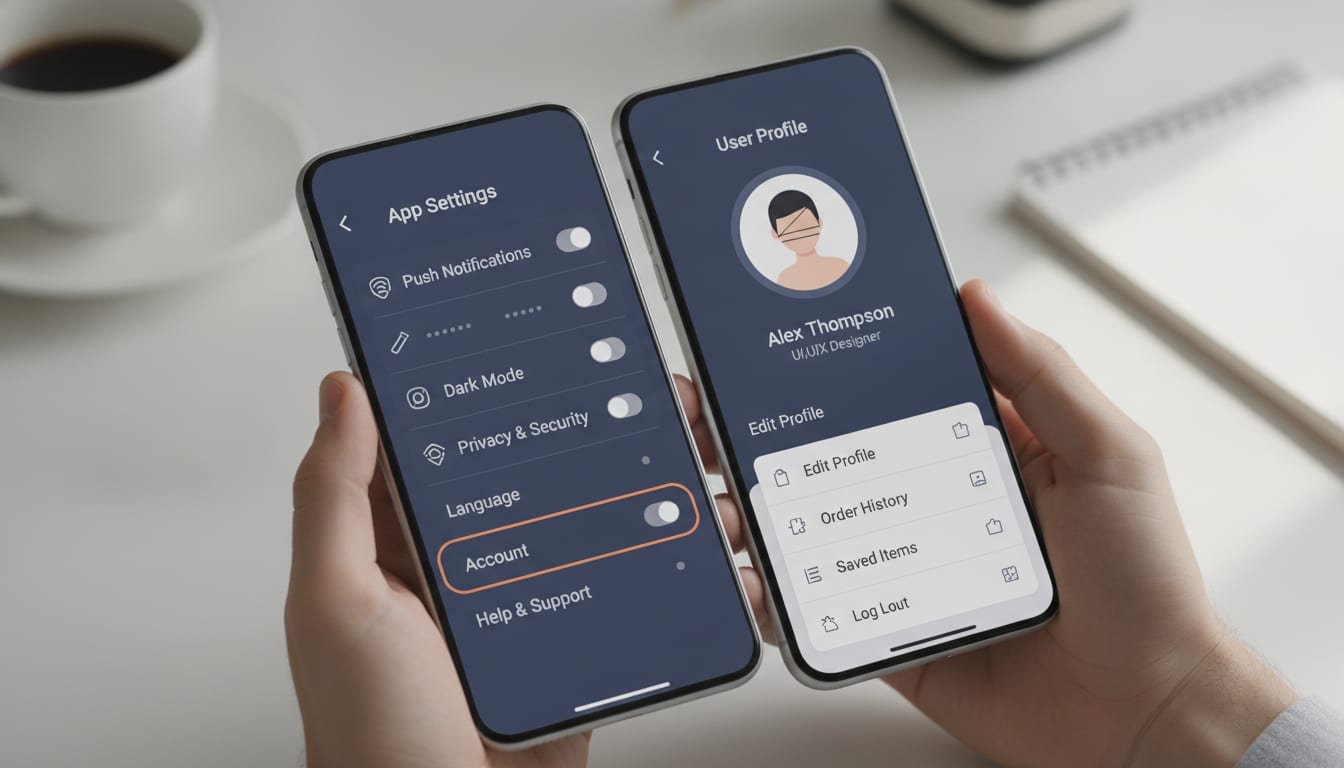
Optimize App Settings & Profile Screen Design for Retention
Why are app settings and profile screens critical for user retention and personalization?
App settings and profile screens are critical for user retention and personalization because they provide users with control over their experience and enable tailored interactions. These interfaces, often underestimated, are strategic assets that, when designed thoughtfully, significantly boost engagement and help combat steep user drop-off rates, transforming utilities into powerful hubs for user loyalty and data collection.
Key Takeaways
App settings and profile screens are strategic assets, not just utilitarian necessities, crucial for user retention and personalization.
On average, only 7.88% of users remain active in an app after 30 days, highlighting the urgent need for every screen to contribute to user stickiness.
AI tools democratize sophisticated design, enabling founders to proactively optimize settings and profile screens for deeper engagement and valuable data collection.
Personalization is key, with consumer interest rising 20% in two years; settings and profiles are primary interfaces for this value exchange.
Increasing customer retention by just 5% can lead to a 25% to 95% increase in profits, underscoring the direct business impact of well-designed UX on these screens.
In the competitive landscape of mobile applications, where user attention is fleeting and retention is paramount, every screen plays a pivotal role. While often perceived as mere utilitarian necessities, the app settings and profile screen design are, in fact, strategic assets for engagement, personalization, and long-term user loyalty. Jessica Ramirez, a Digital Interface Specialist with over a decade of experience, understands that for startup founders and creators, these screens offer a unique opportunity to cement user relationships from the outset, especially when leveraging innovative tools like Appthatdesigns.
Beyond Utility: The Strategic Imperative of Settings and Profile Screens
App settings and profile screens are dedicated interfaces within a mobile application that allow users to manage their personal information, customize app behavior, and control privacy preferences. Far from being an afterthought, these screens are critical touchpoints that significantly influence user experience and retention. Many founders, especially those new to design, often fall into the 'minimalist trap,' believing these screens should be as bare-bones as possible. This overlooks their immense potential.
The cost of underestimating these screens is staggering. On average, only 28.29% of users return the day after installing an app, with this figure plummeting to 7.88% by Day 30. This steep drop-off underscores the urgent need for every part of an app, including its settings and profile sections, to actively contribute to user stickiness. A poorly designed settings screen can be a significant source of user frustration, leading to abandonment rather than engagement.
For startups, who often operate with limited resources and face immense pressure to prove value quickly, every interaction counts. These screens are not just about toggles and text fields; they are about building trust, offering control, and facilitating personalization, which 66% of customers expect from companies.
The AI Advantage: Transforming Settings and Profiles into Engagement Hubs
The conventional wisdom often dictates extreme minimalism for settings and profile screens, aiming to reduce cognitive load. However, for early-stage apps, this 'less is more' approach can be a strategic misstep. Instead, these screens should be viewed as underutilized strategic assets that, when designed intentionally with AI, can significantly boost user retention and data collection, transforming them from mere utilities into powerful engagement hubs. This perspective challenges the notion that initial designs must be overly simple, arguing that a well-structured, slightly richer initial design, guided by AI, can prevent costly redesigns and missed opportunities for early-stage user insight.
AI tools, such as Appthatdesigns, democratize sophisticated design by enabling founders and creators with limited design experience to explore and shape complex interfaces. This allows for proactive design, where settings and profile screens are conceived not just to react to user needs, but to anticipate them and facilitate a richer, more personalized experience. By leveraging AI to rapidly prototype and iterate on various layouts, founders can identify optimal configurations that balance user control with strategic data gathering, all before significant development resources are committed.
Personalization is a key driver of engagement, with consumer interest increasing by 20% in the last two years, and 50% of brands now considering it a core strategy. AI can analyze user behavior patterns to suggest optimal settings arrangements, personalize content presentation within the profile, and even guide users to features they might find valuable based on their past interactions. This transforms settings from a static list of options into a dynamic, personalized control center.
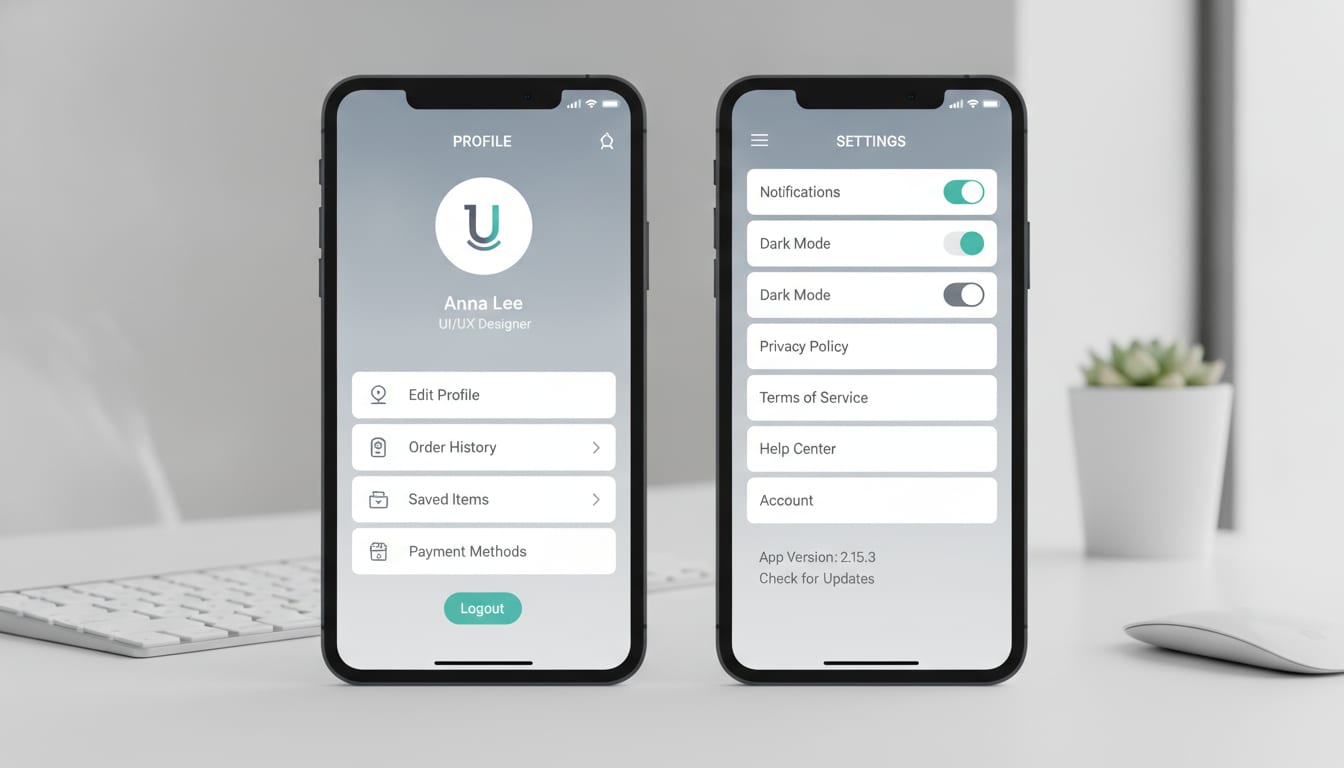
Architecting User Trust: Key Principles for Effective Design
Clarity and Intuitive Navigation
A fundamental principle for effective app settings and profile screen design is clarity. Users should never have to guess where to find a particular setting or how to update their profile information. Grouping related categories logically, using clear labels, and providing search functionality for extensive options significantly enhances usability. Intuitive navigation reduces friction, making users feel more in control and less frustrated. This directly impacts retention, as 88% of users are less likely to return to an app after a poor experience.
Progressive Disclosure for Managing Complexity
While advocating for strategically richer designs, it’s crucial to manage complexity through progressive disclosure. This design pattern presents only essential information initially, revealing more detailed options as users require them. For instance, basic profile information might be immediately visible, while advanced privacy settings are nested within a clearly labeled subsection. This approach prevents overwhelming users while still offering comprehensive control. (Source: Workspacein.com, 2026)
Personalization as a Value Exchange
Effective personalization is a mutual exchange: users share information, and brands reciprocate with spot-on experiences that add value. Profile screens are the primary interface for this exchange. Designing these to clearly communicate the benefits of providing personal data—such as tailored recommendations or enhanced features—builds trust and encourages engagement. Founders should consider how the app explicitly uses user-provided information to improve their experience, making this transparent in the design.
Security and Privacy Considerations
Trust is intrinsically linked to how an app handles user data. Settings screens must offer robust, easily accessible security and privacy controls. Features like two-factor authentication setup, data export options, and clear privacy policy links are no longer optional but expected. Transparency about data usage and control empowers users, reducing anxiety and fostering long-term loyalty. (Source: Deloitte Digital, 2023)
Common Pitfalls: Why "Less is More" Can Be a Startup's Downfall
While minimalism has its merits, an oversimplified approach to settings and profile screens can be detrimental for startups. One significant pitfall is over-simplification leading to missed opportunities. By stripping down these screens too much, founders might inadvertently forgo valuable opportunities to collect non-intrusive user data that could inform future feature development or personalize the user journey more effectively. This data is especially crucial in the early stages for understanding user behavior and refining the product-market fit.
Another common mistake is ignoring the user data collection potential these screens offer. A profile screen, for example, can be designed to capture preferences that drive personalization across the entire app, but if it's too basic, this rich data source remains untapped. Similarly, a lack of proactive engagement features within these sections means users only visit them when a problem arises, rather than as a hub for enhancing their experience. Finally, poor information architecture, even in a minimalist design, can lead to frustration if users cannot intuitively find what they need, directly impacting retention.
Designing for Retention: Actionable Strategies for Founders
How can I ensure my app's settings screen supports long-term user engagement?
To ensure your app's settings screen supports long-term user engagement, consider it an active part of the user journey, not a static repository. Implement AI-driven A/B testing to continuously optimize the layout, labeling, and feature visibility based on user interaction data. This iterative approach allows you to identify what resonates most with your audience and adjust accordingly. Integrate clear feedback loops directly within the settings, allowing users to report issues or suggest improvements without leaving the screen. This demonstrates that their input is valued, fostering a sense of ownership and community.
Furthermore, leverage personalization pathways. For example, if a user frequently interacts with a specific feature, consider surfacing relevant settings or customization options for that feature more prominently. This anticipates their needs and makes the settings screen feel more dynamic and relevant. Remember that a well-designed onboarding process can increase user retention by up to 50%, and settings are often part of the extended onboarding experience.
Crafting the Profile: A User's Digital Identity and Connection Point
What elements are crucial for a user-centric profile screen?
A user-centric profile screen serves as a user's digital identity within your application and, where applicable, a connection point. Crucial elements include clear visual identity and opportunities for self-expression, such as customizable avatars or cover photos. Beyond aesthetics, robust data transparency and control features are essential. Users should be able to easily view, edit, and understand what data is collected about them and how it's used. This includes granular controls over sharing preferences and data retention policies.
If your app has social components, consider how the profile screen facilitates social integration. This might involve displaying connections, activity feeds, or links to other user profiles. The goal is to make the profile not just a data entry form but a living representation of the user's presence and activity within the app, encouraging deeper engagement with app screens and user flows. (Source: IxDF, 2020)
Future-Proofing Your Design with AI: Adaptability and Scalability
How can AI assist in future-proofing app settings and profile designs?
AI is instrumental in future-proofing app settings and profile designs by enabling adaptability and scalability from the ground up. AI can anticipate user needs by analyzing trends in user behavior, feedback, and even broader industry shifts. This predictive capability allows founders to design settings and profile architectures that are flexible enough to accommodate future features and evolving user expectations without requiring complete overhauls. For instance, AI-powered design tools can generate modular components for settings, ensuring consistency and ease of expansion as the app grows.
Furthermore, AI assists in creating scalable design systems. By defining parameters and constraints, AI can help maintain visual and functional consistency across new additions to settings or profile sections, regardless of who is designing them. This is particularly valuable for growing startups where design teams may expand or evolve. Appthatdesigns, for example, empowers teams to explore layout ideas and refine user flows efficiently, establishing a consistent design direction that is inherently adaptable to future changes. This approach ensures that the app's foundational screens remain relevant and effective as the product matures and user demands shift.
Conclusion
The app settings and profile screen design are far more than utilitarian sections; they are strategic battlegrounds for user retention, personalization, and trust. For startup founders, entrepreneurs, and creators, intentionally designing these screens with the aid of AI tools like Appthatdesigns presents a powerful opportunity to combat the steep drop-off in user engagement that plagues many new applications. By moving beyond a minimalist-at-all-costs mindset and embracing a strategically enriched, AI-guided approach, you can transform these often-overlooked screens into dynamic hubs that foster deep user loyalty and provide invaluable insights for growth. Investing in thoughtful, AI-assisted design for your settings and profile screens is not just about good UX; it's about building a resilient, user-centric foundation for your app's long-term success.
Frequently Asked Questions
Why are app settings and profile screens important for user retention?
App settings and profile screens are crucial because they offer users control over their experience, facilitate personalization, and build trust. A well-designed settings screen reduces frustration, while a personalized profile enhances engagement, directly combating the high rates of app abandonment, with only about 7.88% of users typically remaining active after 30 days.
How can AI tools like Appthatdesigns improve settings and profile screen design?
AI tools can democratize sophisticated design by helping founders rapidly prototype, iterate, and optimize settings and profile layouts. They can analyze user behavior to suggest optimal configurations, personalize content, and ensure consistency, allowing for proactive design that anticipates user needs and gathers strategic data for growth.
What are common mistakes to avoid when designing app settings and profile screens?
Common mistakes include over-simplification that misses opportunities for data collection and personalization, a lack of proactive engagement features, and poor information architecture that frustrates users. These pitfalls can lead to missed insights and contribute to user churn.
What role does personalization play in effective app settings and profile design?
Personalization is a key driver of engagement. It transforms settings from static options into dynamic control centers and makes profile screens valuable for self-expression. Consumer interest in personalization has increased by 20% in two years, highlighting its importance in creating tailored, value-adding user experiences.
How does good UX design on settings and profile screens impact an app's profitability?
Good UX design on settings and profile screens directly impacts profitability by boosting user retention. Research indicates that increasing customer retention by just 5% can lead to a 25% to 95% increase in profits. Well-designed interfaces reduce friction, build trust, and encourage repeated use, converting satisfied users into long-term, valuable customers.
Sources
2026 Guide to App Retention: Benchmarks, Stats, and More - GetStream.io
Mobile App Retention Rate Statistics 2026: Benchmarks, Churn and Uninstalls - Quash
Tell Me About Me – User Profiles for Mobile Applications - IxDF
Designing profile, account, and setting pages for better UX | by Vosidiy | Bootcamp - Medium
Designing a better 'Settings' screen for your app | by Vivek Karthikeyan | UX Collective
The Influence of UX Design on User Retention and Conversion Rates in Mobile Apps - arXiv